High-Fidelity Mocks
I utilized UsabilityHub to test my design iterations through
various A/B tests. These included a task-based navigation
test to evaluate navigability and reachability, and an
information hierarchy preference test to identify the most
preferred organizational layout. By incorporating key
insights from these tests, as well as data on branding and
user feedback, I refined my designs. I then integrated the
successful changes, transforming the refined iterations into
the final mocks, ensuring a cohesive and user-friendly
design. Each solution is meticulously grounded in design
laws and psychological principles to ensure their
effectiveness and relevance.
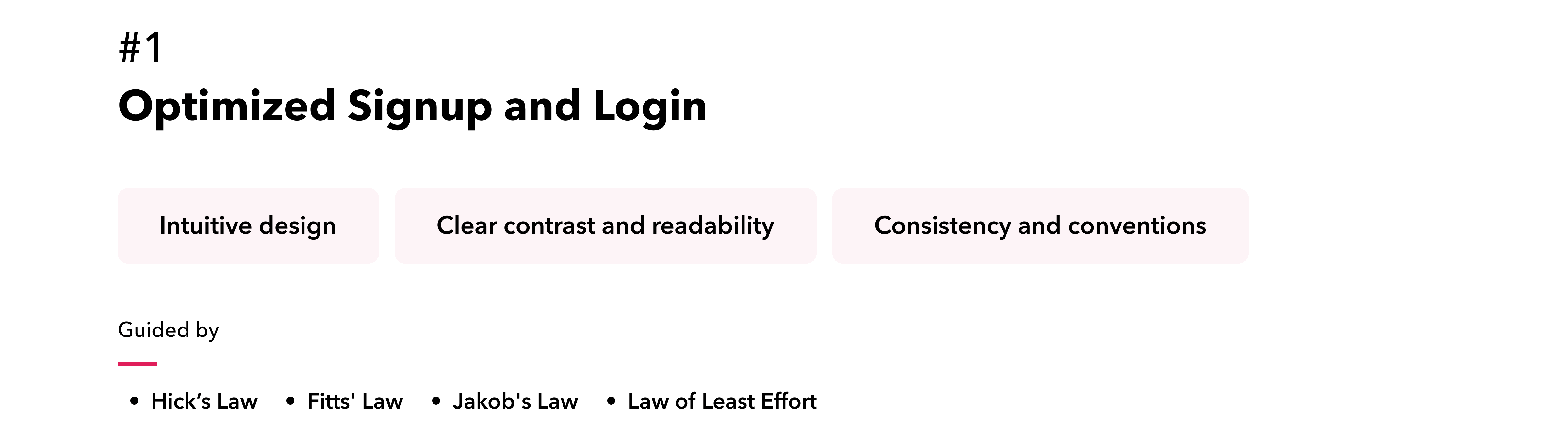
By addressing user needs, we redesigned the user onboarding
flow to enhance clarity and efficiency. The updated process
features clear, concise copy that aligns with the user’s
mental model, guiding them smoothly through signup and
login. Strategically placed CTAs and consistent, informative
messages provide actionable feedback, improving readability
and user interaction. The integration of social login
options and a streamlined password recovery process further
boosts convenience, ensuring a coherent and user-friendly
experience.
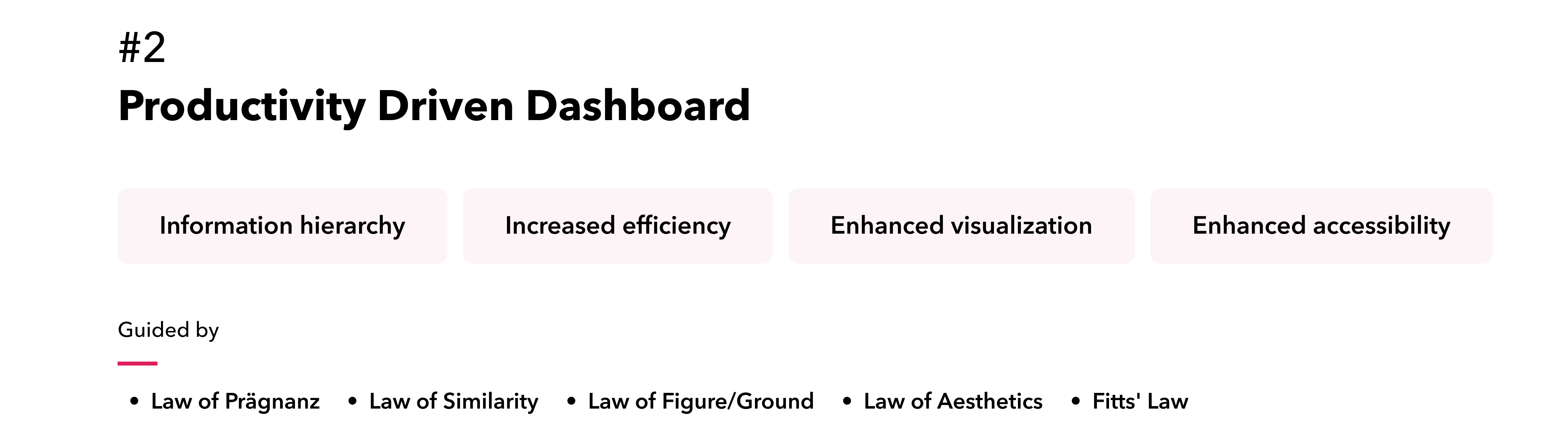
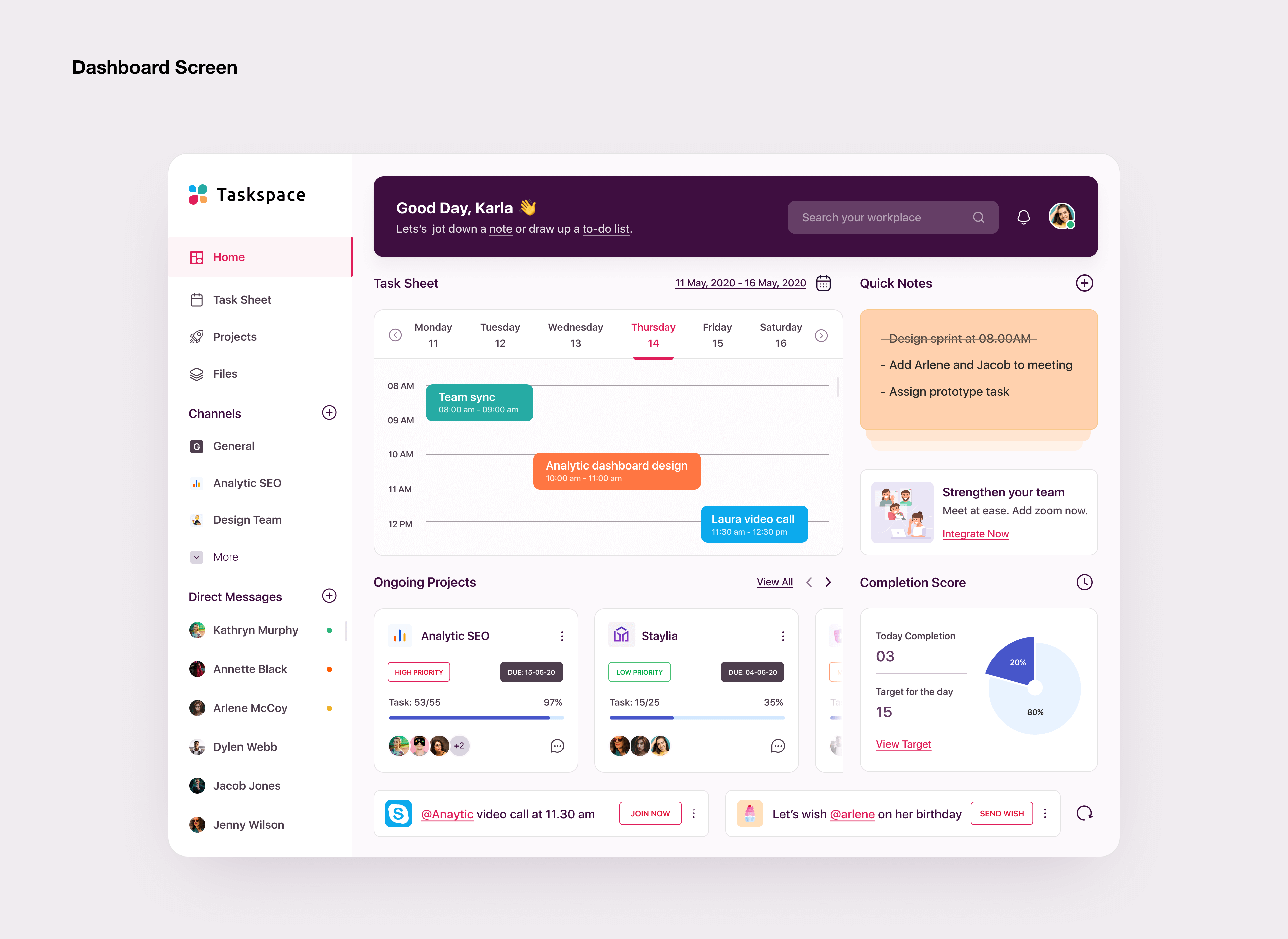
The dashboard was redesigned to be more efficient and
user-friendly by effectively grouping related data and using
clear visual cues, enabling users to quickly identify
important information and understand relationships between
data points. Consistent visual elements for similar data
types and clear distinctions between elements enhances
accurate and efficient data interpretation. Interactive
elements were strategically placed, and user options were
kept to the point to streamline the experience.By balancing
complexity with usability and maintaining consistent design
patterns and interactions, users can easily navigate and
comprehend the information presented.
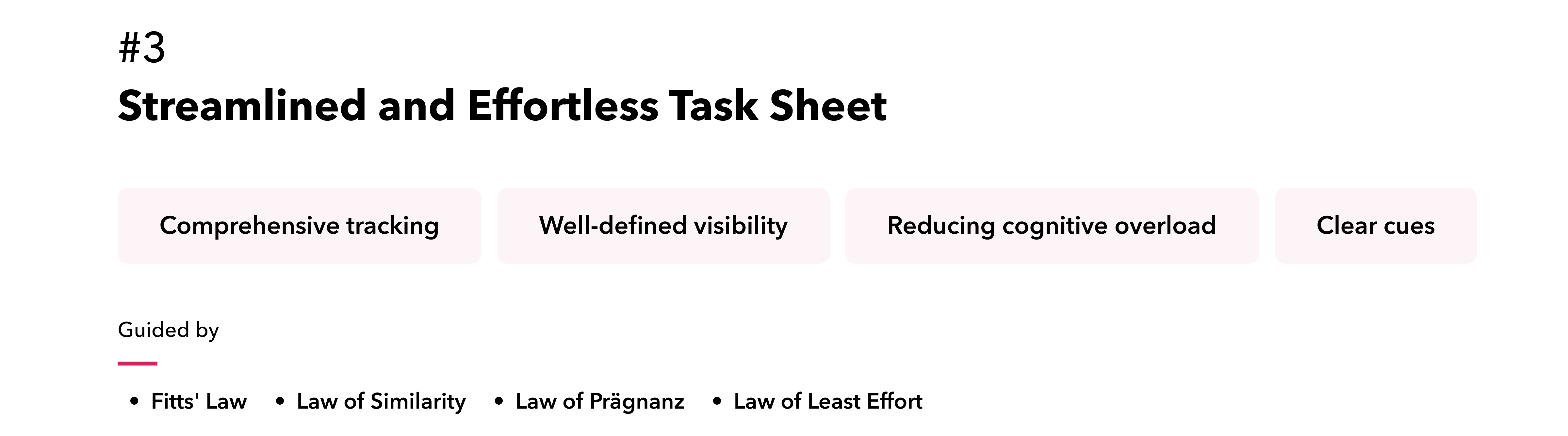
To enhance task management and comprehension, we implemented
a well-defined task hierarchy using visual cues such as
indentation, headings, and consistent styling, which
clarifies task levels and dependencies. We also incorporated
advanced data visualization method of swimlane views, to
provide users with a comprehensive understanding of task
timelines and project progress. Intuitive, clear, and
visually categorized color-coded project markers offer a
transparent overview of task tracking and required actions,
streamlining user interaction and improving overall task
management.

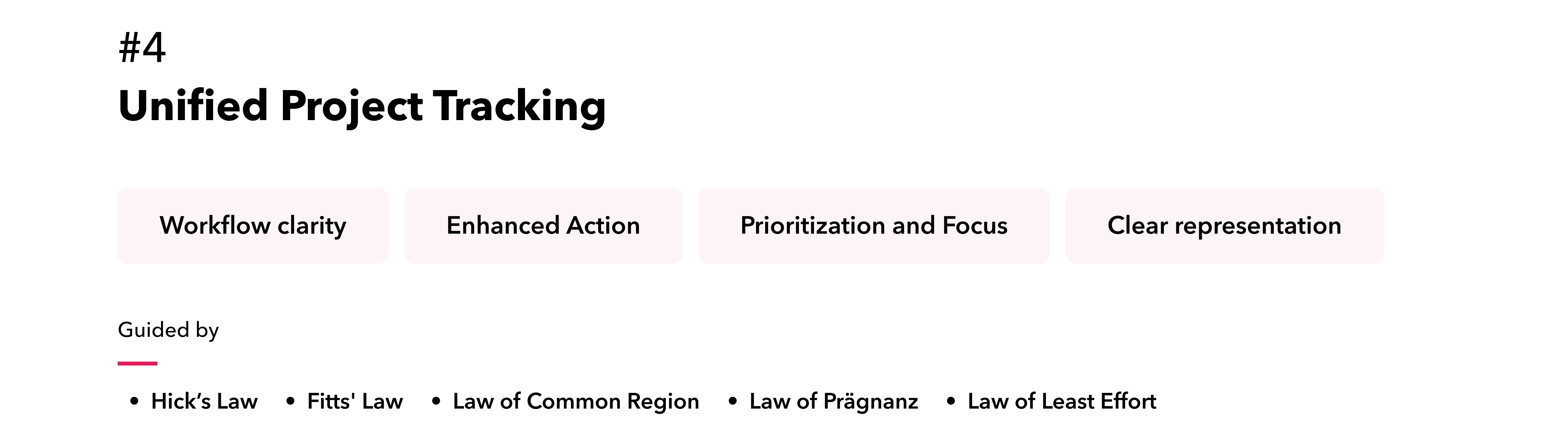
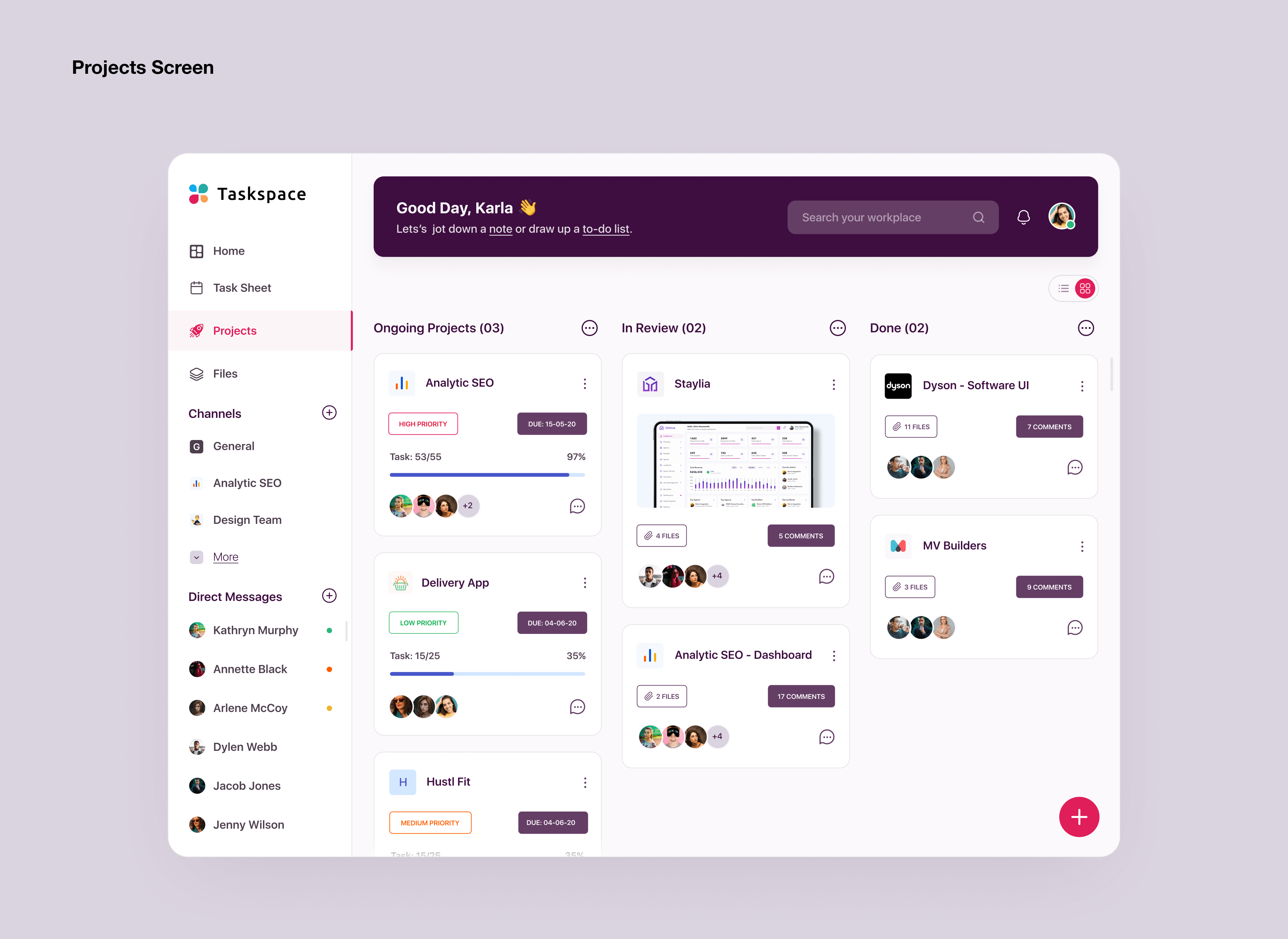
To enhance the project board, we introduced several key
features. Distinct colors and labels differentiate each
stage, and stages are limited to essential ones to reduce
complexity. Clear visual indicators facilitate reordering
within stages. Real-time notifications for assignments,
comments, and status changes keep users informed. Essential
details such as assignee and due date are visible on cards,
and progress bars show completion status, all of which
improve overall management and user experience.
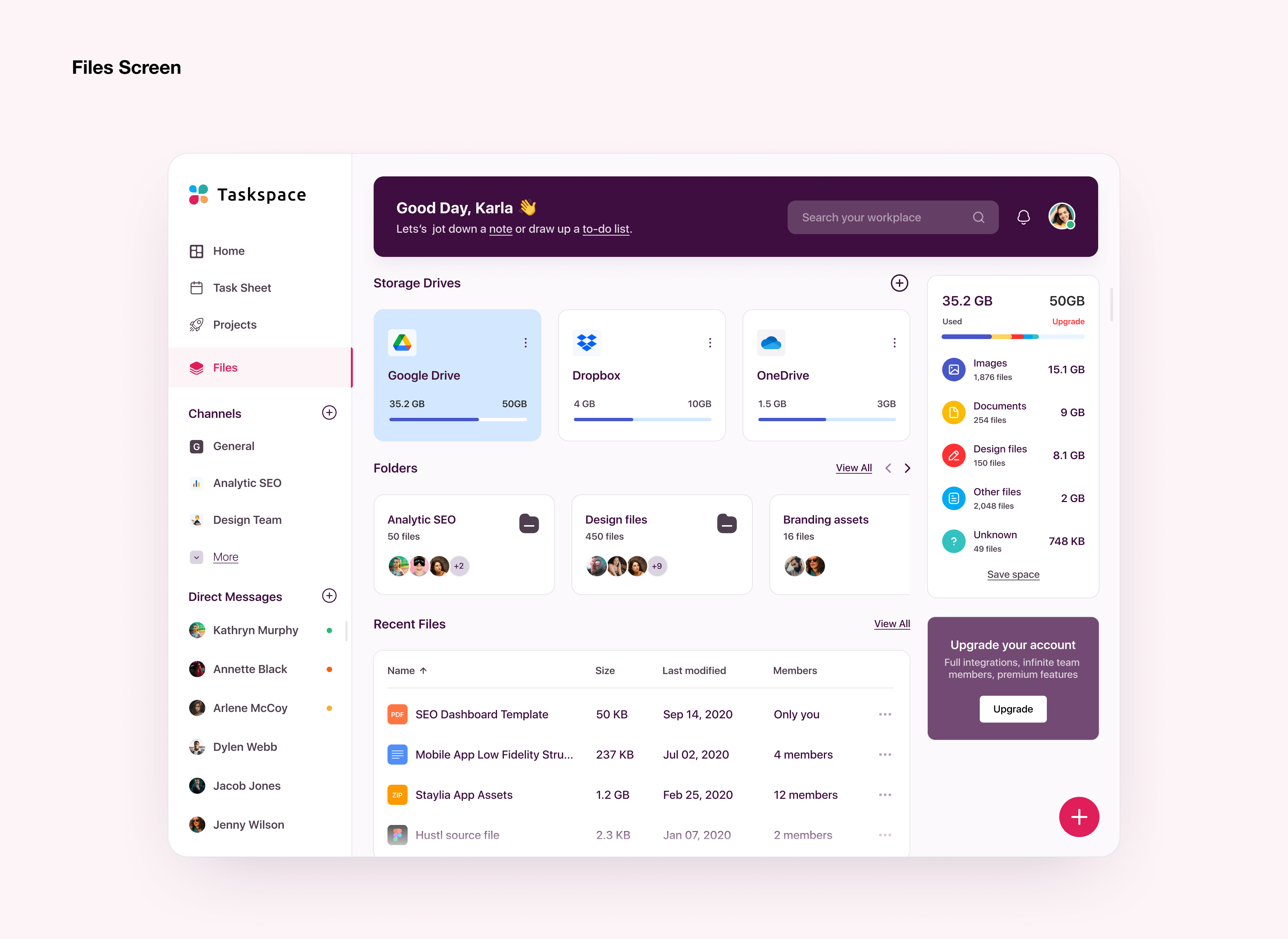
We redesigned the file screen to feature clear folder
structures, intuitive navigation, and visually appealing
hierarchies, significantly enhancing discoverability. The
file storage system has been seamlessly integrated, ensuring
a smooth and cohesive user experience. This integration view
supports efficient file management through streamlined
actions, optimized storage space, and a unified approach to
organizing and accessing files.
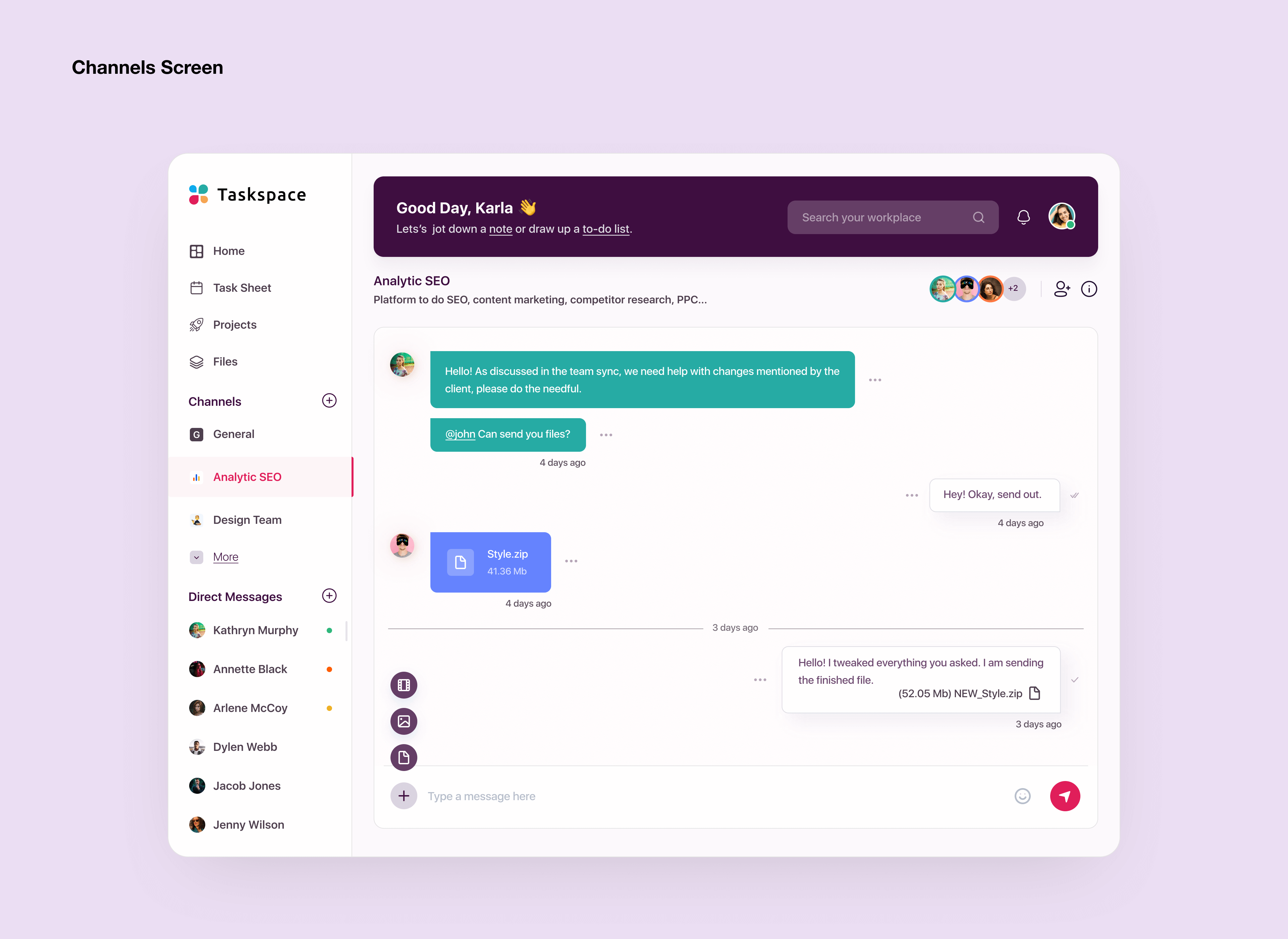
To improve our collaborative channels, we’ve introduced
several key UX enhancements. Organized folder structures and
user-friendly navigation reduce cognitive effort, making it
easier for users to locate relevant conversations and files.
Effective visual grouping and alignment enhance readability,
while information is segmented into digestible pieces for
clearer understanding. A consistent and streamlined chat
interface minimizes decision-making complexity and ensures
that conversations are both accessible and easily findable.
Additionally, inclusive accessibility features guarantee
that the platform is usable by everyone, regardless of their
abilities.